Run your vehicles and their availability
Connect your vehicles to your planning, define their services and manage capacities in one place.

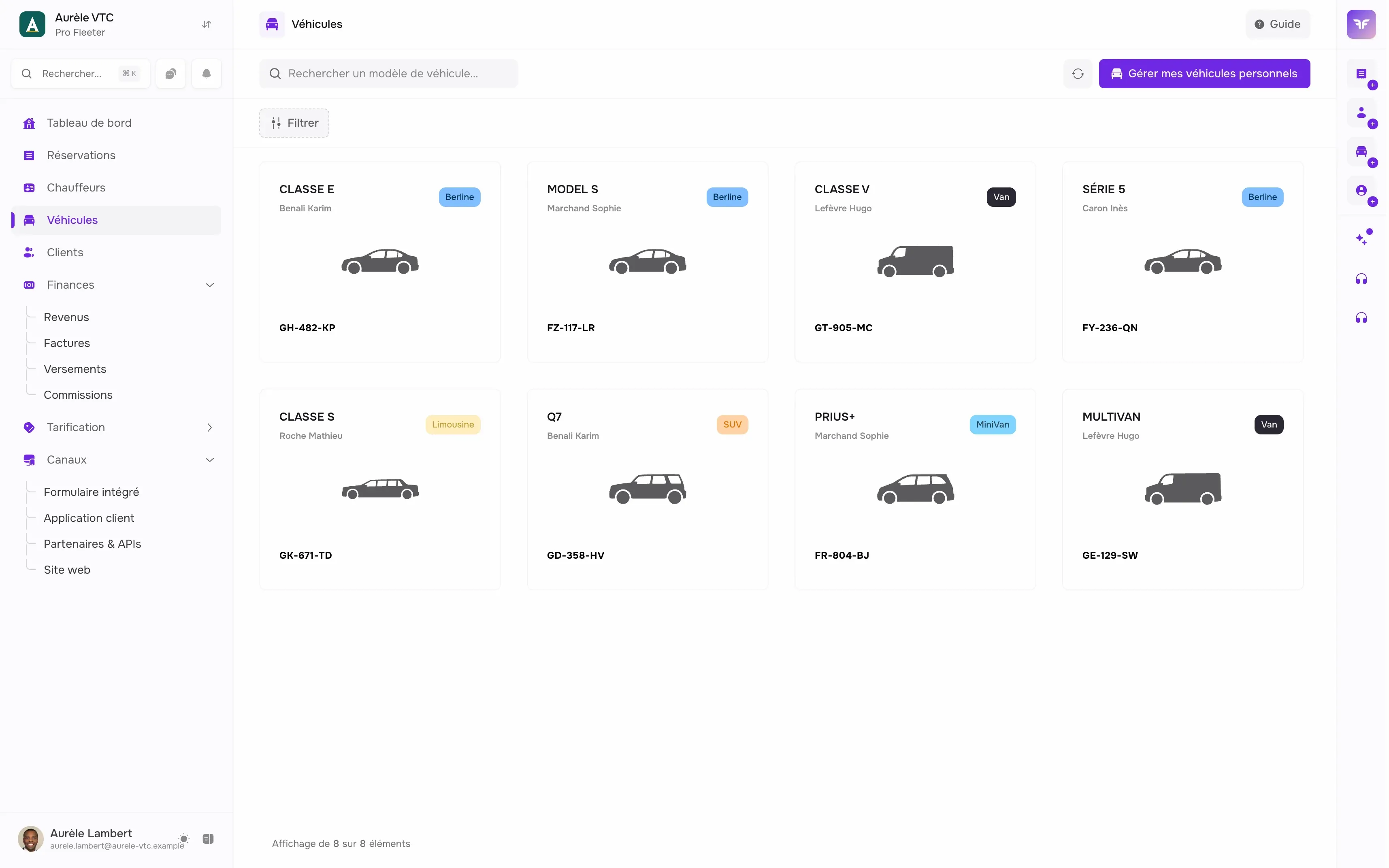
Know which vehicle is free before accepting a ride
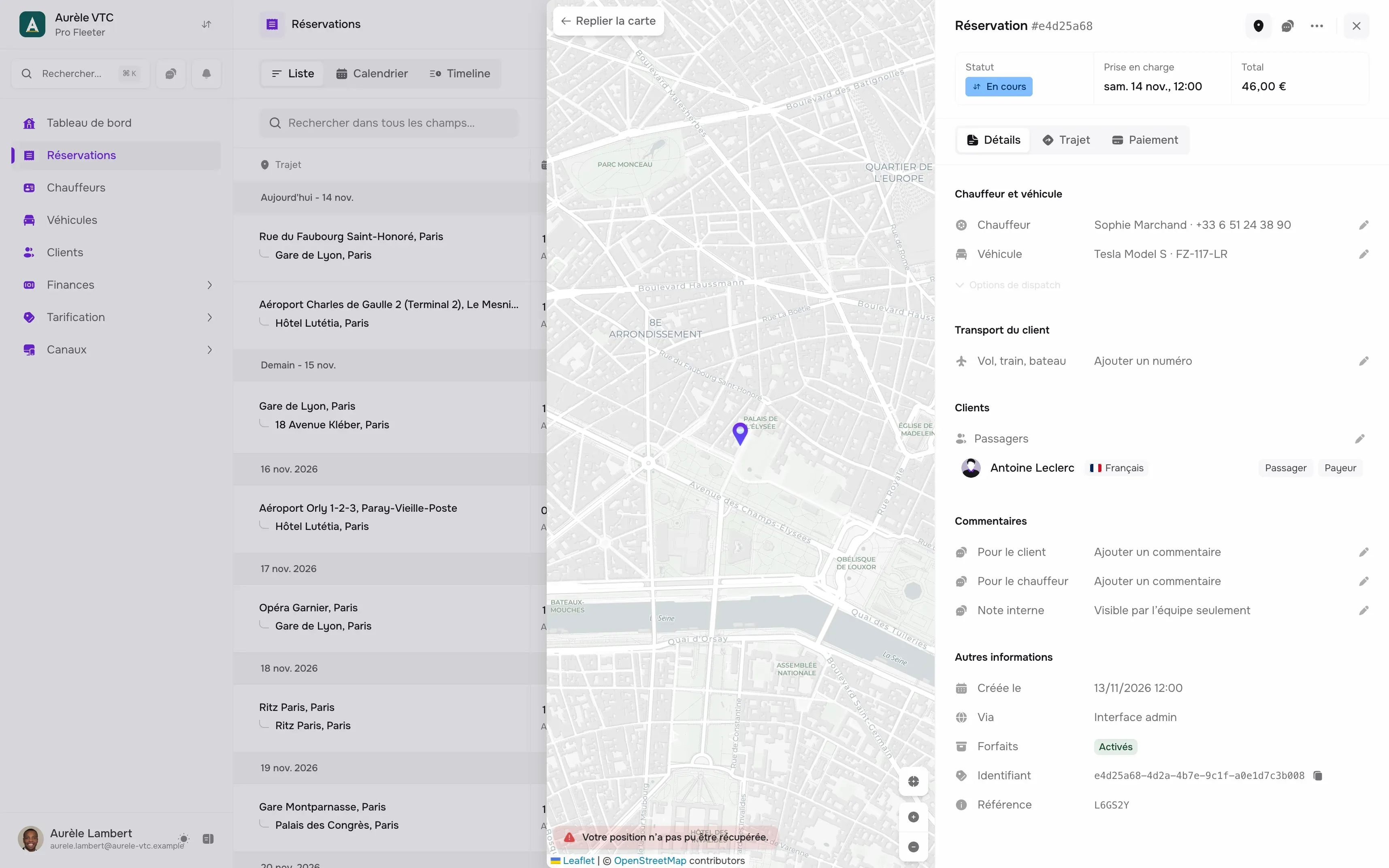
Without a link between your vehicles and your bookings, you overbook, then cancel at the last minute.
-
Uncertain availability
Accepting a ride without knowing if a vehicle is free? The best way to end up cancelling at the last minute.
-
Capacity errors
Sending a sedan for 6 passengers or forgetting the baby seat... The customer notices straight away.
-
Scattered fleet
Impossible to efficiently share vehicles between drivers or companies without a centralized tool.
Every vehicle linked to your bookings
Capacity, services, drivers, companies: what you fill in once for each vehicle.
-
Bookings and planning
Your vehicles are connected to the planning: availability is checked when the order is taken.
-
Services and options
Associate your vehicles with your services and rates. Manage options (baby seats, etc.).
-
Capacity and seats
Set the seat count of each vehicle. Only offer vehicles suited to the request.
-
Vehicle sharing
A vehicle can be shared between multiple drivers based on time slots.
-
Driver assignment
Assign a vehicle to a driver. Track who is driving what at all times.
-
Several companies
One account, multiple structures. Assign your vehicles to your different companies in one click.
A catalog that fits your offer
Create your service catalog (Sedan, Van, Motorcycle...) and define your pricing rules (per km, flat rate, or hourly). Add your options (baby seat, champagne...) to each service.
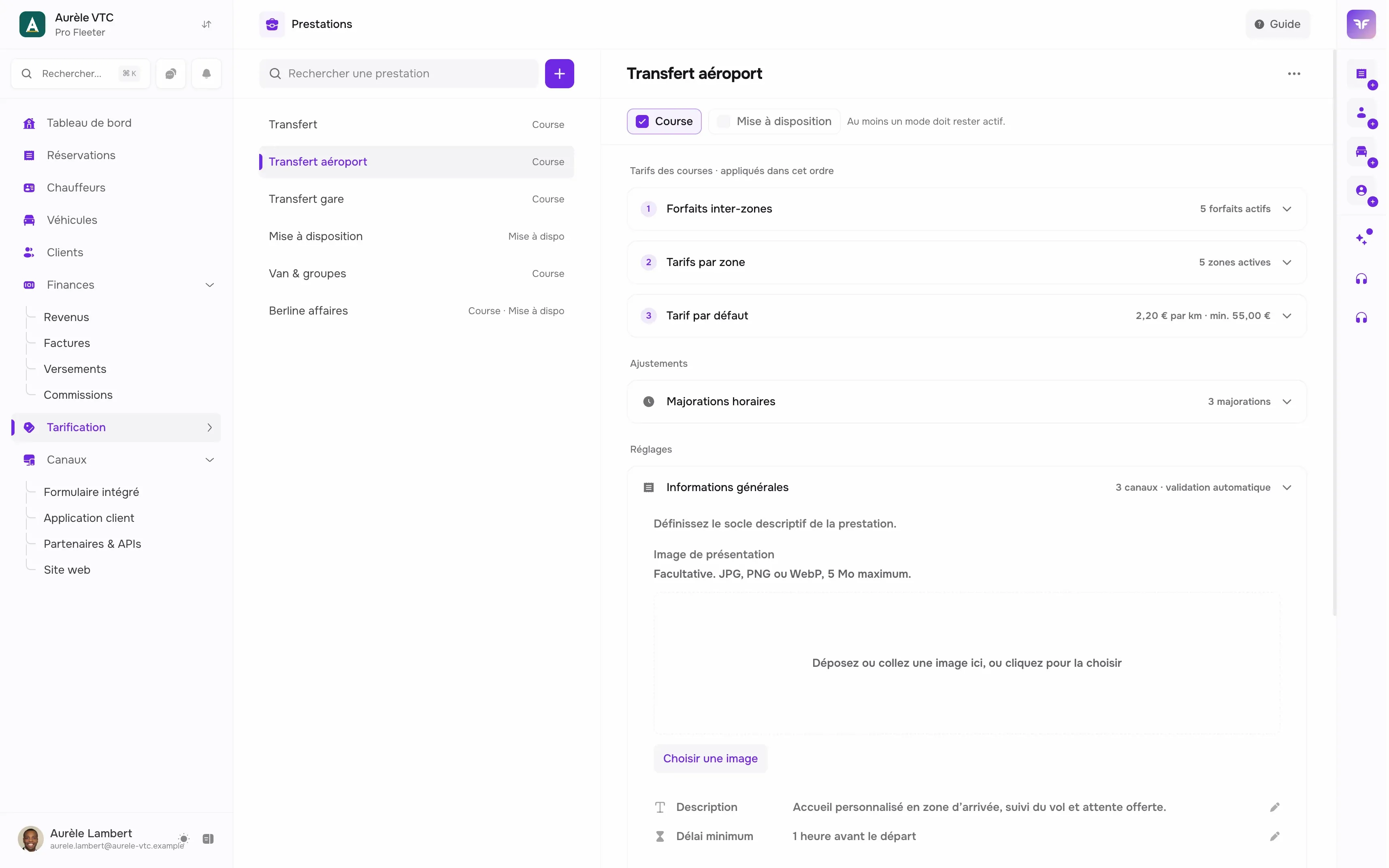
Vehicles linked to services
From your admin dashboard, define which vehicles in your fleet are eligible for which services. The system will then only propose suitable vehicles when booking, preventing any assignment errors.
We answer your questions.
Yes. You define time slots so multiple drivers use the same vehicle.
Chauffleet manages the passenger capacity of each vehicle. When booking, only vehicles suited to the request are offered.
Yes. You can configure which vehicles (Eco, Sedan, Van) accept which services. The system automatically filters options when ordering.
How do we get started?
Try it.
Create your account and take your first booking today.
- 2 minutes
- 14 days free
- No commitment
Talk it over.
Show us your business, we show you Chauffleet with your own cases.
- With an expert
- Free
- No commitment